

How to create a game on iOS and where to start, what tools are available? These questions are important to every beginner developer, although even experienced practitioners sometimes have to delve into research, as the game development field is constantly progressing. Among the vast array of genres, monetization strategies, and even tools that software developers offer, it’s easy to get confused. To help build a pathway from choosing a game idea to monetization, we have created our article, in which we will talk about iOS Game Development. By reading it to the end, you will understand that having the right knowledge is half the job done!

First, a bit of general knowledge about iOS Game Development
To understand this process more deeply, let’s start with the basics. iOS, an operating system developed by Apple for its mobile devices, such as the iPhone and iPad. It has one of the largest and most active ecosystems in the world of mobile applications. The App Store, the central app store for Apple devices, offers millions of applications and games available for download.
Among game developers, iOS enjoys huge popularity due to a number of factors: high monetization, uniformity of devices (which simplifies the process of developing and optimizing games for various iPhone and iPad models), and quality of audience (prefers more quality and expensive content).
Choosing the platform to start with is a key step in game development. And iOS boasts many advantages for beginner developers:
- Large audience. Thanks to a huge user base, you gain access to a wide audience that can become your potential players.
- Higher monetization. Users of this platform are willing to pay for quality content, which opens up opportunities for monetizing your game through sales or in-game purchases.
- Ease of monetization. The App Store provides convenient tools for selling and monetizing games, making everything more transparent and simple for developers.

5 Key Tools and Technologies for Developers
If we have clarified what iOS Game Development entails, then we can move on to the more interesting practice. There are numerous paths you can take to create a game on iOS, and each begins with selecting the primary tool and technology you will use for developing games on iPhone. Next, we will explore 5 options that hold a deserved place in the arsenal of professional developers.
№1 Xcode
Xcode is Apple’s official IDE for developing applications on macOS, iOS, watchOS, and tvOS. It equips developers with all the essential tools needed for effective development: a code editor, compiler, debugger, simulator, and tools for testing and profiling. Xcode supports various programming languages including Swift, Objective-C, and C++, making it a versatile choice for a wide range of developers.
One of the standout features of Xcode is its user-friendly interface, which allows developers to quickly start and manage their development projects. Furthermore, Apple provides extensive educational materials to assist developers in learning how to use Xcode effectively. These resources are designed to help both novice and experienced developers in mastering the environment and accelerating their development process.

№2 Swift
Swift is a modern programming language developed by Apple, known for its safety, conciseness, and efficiency. It is designed to be an intuitive language that is both easy to learn for beginners and powerful enough for experienced developers. Swift’s simple syntax is easy to understand and write, which accelerates the learning process for new programmers.
One of the key features of Swift is its emphasis on safety. It incorporates advanced safety features and checks that help prevent programming errors before software goes live. Additionally, Swift is highly performant; it compiles directly to machine code, which enhances the execution speed of applications.
Swift’s comprehensive capabilities make it an ideal choice for developers looking to build robust and efficient applications on Apple’s platforms.
№3 SpriteKit
SpriteKit is Apple’s framework dedicated to developing 2D games. It provides easy access to graphics, physics, and sound, making it a comprehensive tool for both casual and hardcore game development. One of the standout features of SpriteKit is its simple API, which allows developers to quickly start their projects without a steep learning curve.
The framework is not only easy to use but also powerful, enabling the creation of complex 2D games. It supports advanced game mechanics such as physics-based interactions and rich animations, enhancing the gaming experience. SpriteKit’s versatility makes it suitable for a wide range of 2D gaming projects, from simple puzzles to more intricate arcade games that require detailed environmental interactions and character animations.
№4 SceneKit
SceneKit is a framework designed for the development of 3D games on Apple’s platforms. It harnesses the power of Metal to achieve realistic graphics, making it an ideal choice for creating visually stunning 3D shooters, RPGs, and other game genres. SceneKit is recognized for its powerful capabilities in handling complex game dynamics, including physics, animations, shaders, and other advanced features.
Although SceneKit offers a wide array of functionalities for 3D game development, it does require a higher level of skill compared to SpriteKit. Its API is more complex, necessitating a deeper understanding of 3D development principles. This makes SceneKit particularly suitable for developers who are looking to push the limits of mobile game graphics and interactivity, providing them with the tools to craft immersive and sophisticated gaming experiences.
№5 Unity and Unreal Engine
Unity and Unreal Engine are cross-platform game engines that empower developers to create games for iOS, Android, PC, and other platforms. These engines are well-suited for designing both intricate 2D and 3D games. One of their key advantages is their accessibility to beginners—both Unity and Unreal Engine feature visual editors that simplify game creation by allowing developers to build games without writing extensive code.
Both engines are known for their powerful capabilities, enabling the creation of complex games that include advanced physics, animations, shaders, and more, enhancing the realism and interactivity of the gaming experience. However, it’s important to note that Unity and Unreal Engine are resource-intensive, requiring more CPU, RAM, and GPU resources compared to more streamlined tools like Xcode combined with SpriteKit or SceneKit. This makes them more suitable for developers who are aiming to push the boundaries of what’s possible in game development, across multiple device types and operating systems.
All the presented tools are powerful enough to create games on iOS. Their selection depends on your experience, the type of game you want to create, and your goals.
All successful projects begin with thoughtful game planning
When embarking on the journey of iOS mobile game development, selecting the right path is crucial for success. A clear roadmap helps navigate the complexities of game creation, ensuring that each step—from conceptualization to launch — is meticulously planned and executed. By understanding and following a structured process, developers can transform innovative ideas into engaging and polished games that resonate with players and achieve commercial success. The following sections outline the key stages of development, providing a comprehensive guide to help you start and successfully complete your game project.
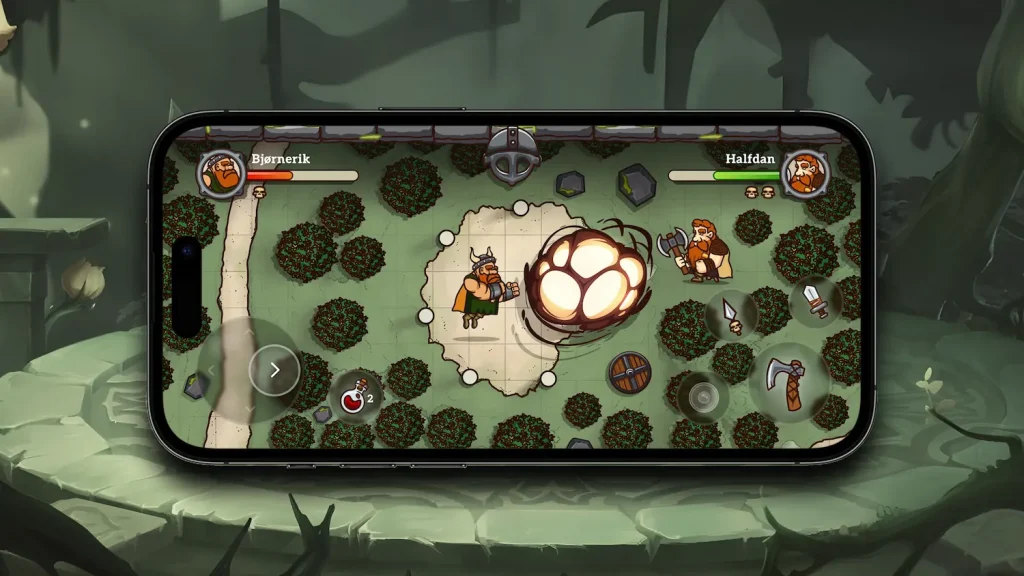
1. Idea and Concept
Where to Start:
- Define the Game Idea: The first step is to determine what your game will be about. This could be a new concept or an improvement on an existing idea. The idea should be engaging and original to attract players.
- Identify the Target Audience: Think about who will be playing your game. This could be children, teenagers, adults, puzzle lovers, action game enthusiasts, or adventure seekers. Knowing your audience helps tailor the gameplay and style to their preferences.
- Determine the Genre: Decide the genre of your game. Will it be a puzzle, action, adventure, or something else? The genre will guide the core mechanics and gameplay style.
- Develop Core Mechanics: How will players interact with your game? What actions will they perform, and what will be their goals? For example, in a puzzle game, this could involve solving tasks to progress through levels, while in an action game, it might involve fighting enemies and completing missions.
Example: You decide to create a puzzle adventure game where players solve riddles to advance through levels. Your target audience is teenagers and adults who enjoy intellectual challenges. Core mechanics include puzzle-solving, exploring locations, and interacting with objects.

2. Market Research
Where to Start:
- Study Competitors: Look at existing games in your genre. Analyze their strengths and weaknesses. What makes them popular? Which elements of gameplay attract players? This helps understand what works well and what can be improved.
- Trend Analysis: Find out which genres and mechanics are currently popular. You can do this by researching top games on the App Store and Google Play, reading market reports, and following industry news. Understanding trends helps create a relevant and in-demand product.
- User Needs: Understand what your target audience likes and what features they want. Use surveys, player feedback, and analysis of reviews in app stores to gather insights.
Example: You researched top puzzle games and noticed that players enjoy unique puzzles and beautiful graphics. You also found that popular games often offer regular updates with new levels and challenges.
3. Documentation Creation
Where to Start:
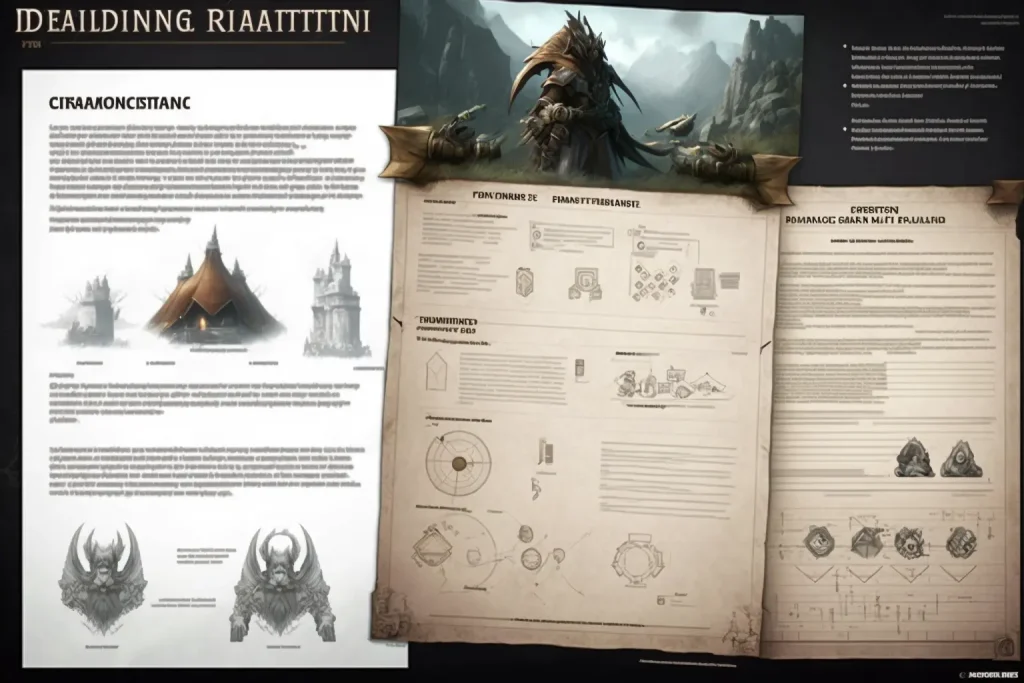
- Game Design Document (GDD): This is the primary document that describes all aspects of your game. Include:
- Story and Script: The main plot of the game, events, and characters.
- Character Descriptions: Details about the main characters, their motivations, appearances, and traits.
- Levels and Locations: Description of various game levels, their themes, and difficulty.
- Game Mechanics: Detailed description of all gameplay mechanics, rules, and interactions.
- User Interface: Design and functionality of menus, buttons, and other interface elements.
- Graphics and Style: Description of the visual style of the game, including color schemes, typography, and animations.
Example: You wrote a GDD that describes each level of your game, all puzzles, characters, and their roles in the story. For example, the first level is an abandoned castle where the player must solve a series of puzzles to open a hidden door.
4. Prototyping
Where to Start:
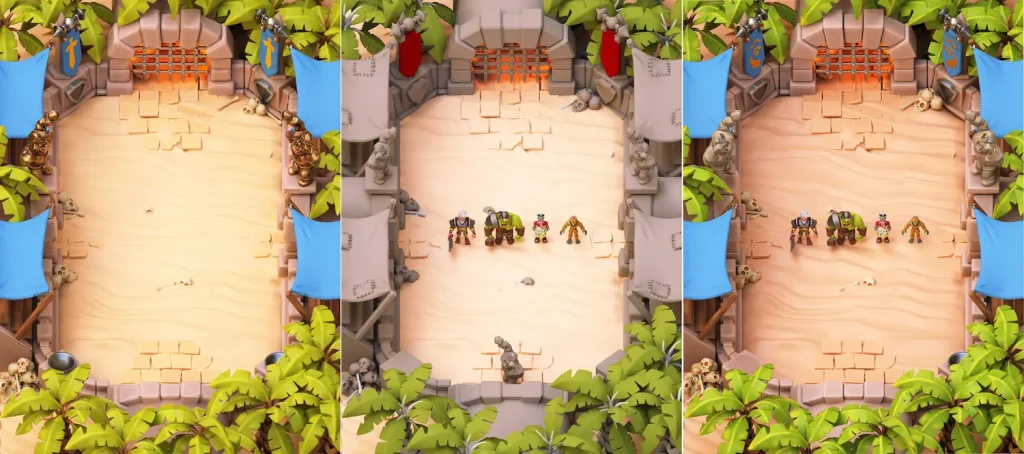
- Create a Basic Prototype: This can be a simple sketch on paper or a digital version with core mechanics. The prototype is used to test the main ideas and verify their feasibility.
- Test Gameplay: Check how your prototype plays. Ensure that the core mechanics work and the game is fun. Involve colleagues or friends in testing to get feedback.
Example: You created a prototype of the first level where the player solves a simple puzzle to open a door. You conducted testing and received positive feedback, confirming the viability of your concept and player interest.

5. Choosing Tools and Technologies
Where to Start:
- Game Engines: Decide which engine will be used for game development. Popular options include Unity and Unreal Engine, which offer a wide range of tools for creating games of various genres.
- Programming Languages: For iOS game development, Swift or Objective-C are commonly used. These languages integrate well with the Apple ecosystem and allow efficient use of the platform’s APIs.
- Other Technologies: Determine additional tools needed for creating graphics, animations, sounds, and other game elements. For example, Photoshop or Illustrator for graphics, and Audacity or another audio editor for sound effects.
Example: You chose Unity for game development and decided to use Swift for coding. You also opted for Photoshop for creating graphics and Blender for 3D modeling.
6. Development
Where to Start:
- Programming: Write code for all game mechanics and interfaces. Start with core functions and gradually add new elements.
- Design: Create graphics, animations, and sound effects. Work on the visual style to make the game appealing and consistent with the concept.
- Network Code: If your game supports multiplayer, develop the server side and integrate it with the client side. This includes working with databases, data synchronization between players, and ensuring stable server operation.
Example: You started coding character controls and object interactions. Additionally, you are developing level graphics, creating detailed textures, and animating characters and environments.
7. Testing
Where to Start:
- Internal Testing: Check the game for bugs and errors. This includes functional testing, performance testing, and testing on various devices.
- Beta Testing: Provide the game to a limited number of users to gather feedback and identify issues not found during internal testing. Beta testing helps obtain valuable feedback from real players.
Example: You conducted internal testing, fixed identified bugs, and launched beta testing with 50 players. They provided valuable feedback that helped improve the gameplay and user interface.

8. Optimization
Where to Start:
- Performance Improvement: Optimize the code, reduce memory consumption, and improve the game’s speed. This includes optimizing algorithms, using efficient data structures, and reducing the number of resource-intensive operations.
- Graphics Optimization: Ensure the graphics run smoothly on various devices. This may include reducing texture resolution, using sprites instead of 3D models, optimizing shaders, and other methods.
Example: You reduced texture sizes and improved the game’s performance on older iPhone models. Additionally, you optimized the code to make the game load faster and run more smoothly on different devices.

9. Localization
Where to Start:
- Translate the Game: Translate the game’s text into other languages. For this, you can hire professional translators or use specialized services.
- Adapt Content: Adapt the content to the cultural features of different regions. This may include changing graphics, adapting storyline elements, and the interface to make them understandable and acceptable to different cultures.
Example: You translated the game into five languages, including Spanish, French, and German. You also adapted some interface elements and graphics to better fit the cultural features of these regions. For example, you changed some colors and symbols to avoid misunderstandings or negative associations.
10. Preparing for Release
Where to Start:
- Developer Account: Register in the Apple Developer Program.
- Build and Sign the App: Create the final version of the game, sign it, and prepare it for release.
- Upload to App Store: Publish the game on the App Store, including creating the app page, uploading screenshots, descriptions, and metadata.
Example: You completed all preparation stages and published the game on the App Store.
Register as a developer, build and sign the app, and upload it to the App Store. Complete all preparations for your game’s release
11. Marketing and Promotion
Where to Start:
- Advertising Campaigns: Launch ads on social media and gaming platforms.
- PR: Work with media and bloggers to promote the game.
- Social Media: Create game accounts on social media and engage users.
Example: You launched an advertising campaign on Facebook and Instagram, and sent press releases to gaming blogs.
12. Support and Updates
Where to Start:
- Bug Fixes: Quickly respond to player feedback and fix bugs.
- Content Updates: Release updates with new content and features.
- Community Engagement: Maintain contact with players, conduct surveys, and events.
Example: You released the first update, which fixes bugs and adds new levels.
This detailed plan will help you understand the iOS mobile game development process and confidently start your project.
Features of developing mobile games on iOS
This process encompasses numerous stages, starting from creating a project in Xcode to programming game logic in Swift and working with graphics and animation in SpriteKit or SceneKit. Let’s examine each stage in detail to understand the magic behind what is called game creation.
Creating a Project in Xcode
- Open Xcode on your computer.
- Select the “Create a new Xcode project” option from the menu. You will be prompted to choose a project template. For iOS games, select “Game” and click the “Next” button.
- Fill in the fields with the project name, description, organizational identifier, and choose a location to save the project on your computer.
- Select the devices on which your game will run (iPhone, iPad, or both).
- Press the “Create” button to create a new project in Xcode.
Working with Graphics and Animation
- Import graphic resources (images, textures, animations) into your project in Xcode.
- Create a new scene in SpriteKit (SKScene) or SceneKit (SCNScene), which will serve as the main game space.
- Add game objects to your scene, such as characters, backgrounds, obstacles, and other elements.
- Use the methods and properties of the framework (such as SKSpriteNode or SCNNode) to set up the appearance and animations of your objects.
- Use animation methods and actions to create animations for movement, resizing, rotation, and other effects for your objects.

Eliminating Errors on various iOS devices
This stage in game development is extremely important as it helps to detect and fix errors, as well as ensure that the game operates correctly on various iOS devices.
- Testing methods on iOS devices. After development is complete, it’s crucial to test the game on various iOS devices to ensure its correct functionality and compatibility.
- Using the Xcode simulator. Initially, primary testing can be conducted using the Xcode simulator, which emulates the operation of iOS devices and allows for quick identification of major issues.
- Debugging and error finding. After the testing phase, it is necessary to perform debugging of the game, correcting any identified errors. Use debugging tools in Xcode to locate and resolve issues, and carefully analyze feedback from testers and players for further improvements.

Welcome to the World of iOS Game Developers
As you can see, developing games for iOS is an exciting and promising process that requires diligence and strategic thinking. We hope this guide will help you start your journey in iOS game development and achieve success in this thrilling industry.


